












01 · Studio
Jantaris Studio
For creators. Pick a model, type a prompt, get your clip or image. History, downloads and live cost preview before you click generate.
Explore StudioOne key · every model
81 AI models in one place. Video from $0.0299/s, images from $0.02. Pay only for what you make.
 3.0Wan
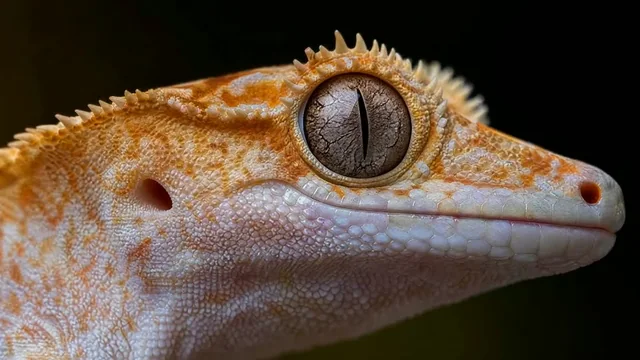 H3MiniMax
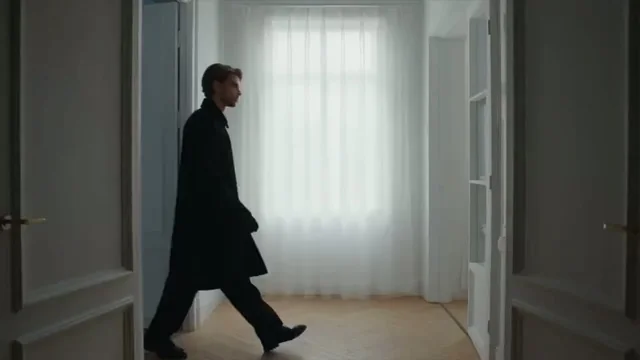 2.5Seedance
 3.0Kling
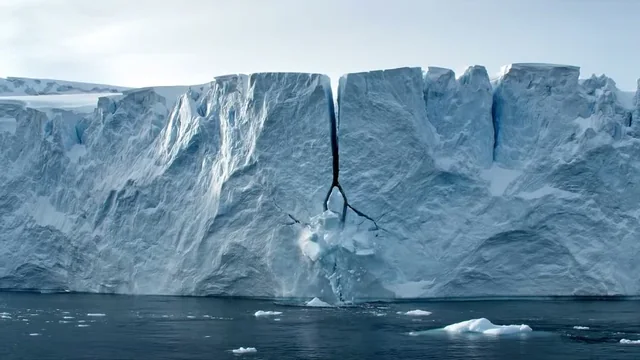 3.1 (Quality)Veo
 2.5GPT Image
 5.0 ProSeedream
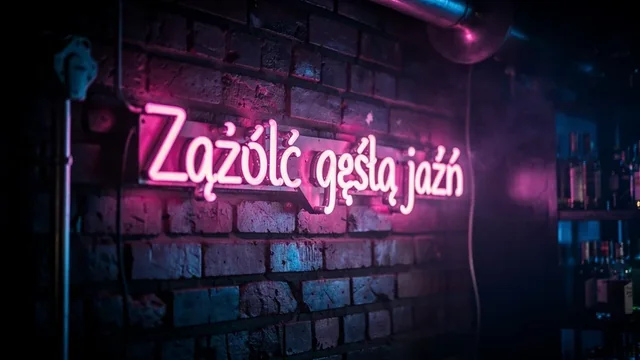 FLUX.2 [pro]
Two ways in
01 · Studio
For creators. Pick a model, type a prompt, get your clip or image. History, downloads and live cost preview before you click generate.
Explore Studio02 · API
For developers and companies. One REST API with async tasks and webhooks for media, plus OpenAI and Anthropic compatible chat. Works with Claude Code, Cursor, n8n and Make.
POST /v1/generate
{ "model": "seedance-2.5",
  "input": { "prompt": "...", "duration": 8 } }

→ 202 { "id": "task_7fq...", "status": "queued" }

GET /v1/tasks/task_7fq...
→ 200 { "status": "succeeded",
  "output": [{ "url": ".../out.mp4" }],
  "cost": { "amount": "4.70", "currency": "USD" } }

# failed run → "cost": 0, hold returnedAPI
Change the model id, keep the rest of your code. Every media model returns the same task object, so polling and webhooks work the same everywhere.
curl https://jantaris.com/v1/generate?wait=60 \
  -H "Authorization: Bearer $JANTARIS_API_KEY" \
  -H "Content-Type: application/json" \
  -d '{
  "model": "seedance-2.5",
  "input": {
    "prompt": "A slow dolly shot through a neon-lit night market in the rain, reflections on wet asphalt, cinematic",
    "aspect_ratio": "adaptive",
    "resolution": "720p",
    "duration": 5
  }
}'
import os, time, requests
API = "https://jantaris.com/v1"
H = {"Authorization": f"Bearer {os.environ['JANTARIS_API_KEY']}"}
task = requests.post(f"{API}/generate", headers=H, json={
"model": "seedance-2.5",
"input": {
"prompt": "A slow dolly shot through a neon-lit night market in the rain, reflections on wet asphalt, cinematic",
"aspect_ratio": "adaptive",
"resolution": "720p",
"duration": 5
}
}).json()
while task["status"] in ("queued", "running"):
time.sleep(3)
task = requests.get(f"{API}/tasks/{task['id']}", headers=H).json()
print(task["status"], task["cost"], [o["url"] for o in task["output"]])const API = "https://jantaris.com/v1";
const headers = { Authorization: `Bearer ${process.env.JANTARIS_API_KEY}`, "Content-Type": "application/json" };
let task = await (await fetch(`${API}/generate`, {
method: "POST",
headers,
body: JSON.stringify({
"model": "seedance-2.5",
"input": {
"prompt": "A slow dolly shot through a neon-lit night market in the rain, reflections on wet asphalt, cinematic",
"aspect_ratio": "adaptive",
"resolution": "720p",
"duration": 5
}
}),
})).json();
while (task.status === "queued" || task.status === "running") {
await new Promise((r) => setTimeout(r, 3000));
task = await (await fetch(`${API}/tasks/${task.id}`, { headers })).json();
}
console.log(task.status, task.cost, task.output.map((o) => o.url));How it works
Email and password. No card needed to look around.
From $10, by card. Balance never expires.
In Studio or through the API. You see the price before each run.
Pricing
No subscription. Each model has a clear unit price: per image, per second of video, per song, per 1M tokens. The estimated cost is held before the run and released in full if it fails.
Prices exclude taxes. Billed from your prepaid USD balance.
| Model | Type | Price |
|---|---|---|
| Seedance 2.5 | Video | from $0.261 / s |
| Kling 3.0 | Video | from $0.169 / s |
| Veo 3.1 (Quality) | Video | from $2.53 / video |
| GPT Image 2.5 | Image | $0.0432 / image |
| Nano Banana Pro | Image | from $0.0747 / image |
| FLUX.2 [pro] | Image | from $0.0688 / image |
| Mureka V9 | Audio | $0.124 / song |
| Claude Opus 5.5 | Chat & code | $5.40 / $27.00 · 1M tok |
| GPT-6 Sol | Chat & code | $2.16 / $10.80 · 1M tok |
| DeepSeek V4.1 Flash | Chat & code | $0.54 / $1.75 · 1M tok |
 video
videoPlan AI B-roll for an online course: choose a shot, control camera movement, edit around narration and check the cost before generating a clip.
2026-10-11 · 2 min video
videoAnimate a product photo while checking its shape and branding. Prepare the first frame, describe one camera movement and review the resulting shot.
2026-10-11 · 2 min music
musicCreate an AI music bed for a narrated reel. Specify instruments and rhythm, leave space for speech and cut the generated track to the finished edit.
2026-10-11 · 2 minFAQ
Jantaris gives you one account, one balance and one API key for dozens of AI models: image, video, music and audio, chat and code. You can use them in the browser with Jantaris Studio or call them from your own code through the Jantaris API. Both draw from the same prepaid balance, so you top up once and switch models whenever you like. The current list is on the models page.
No. Studio runs in the browser: pick a model, write a prompt, set the duration or aspect ratio and click generate. The API is for developers and teams who want to plug models into their apps, scripts or automations. Both work on the same account and the same balance.
Create an account, confirm your email with the link we send you, top up your balance (the minimum is $10) and either open Studio or create an API key in the dashboard. For the API, the quickstart takes you from a new key to your first generated image with ready-to-run curl, Python and JavaScript examples.
No. There is no free plan, no sign-up credits and no subscription - you pay from the first generation, and the smallest top-up is $10. In return your balance never expires and failed generations cost $0, so you don't pay for model errors. The pricing page shows the unit price of every model, which lets you work out in advance what a top-up covers.
Image models such as GPT Image 2.5, Nano Banana Pro and FLUX.2 [pro], video models such as Seedance 2.5, Kling 3.0 and Veo 3.1 (Quality), music with Mureka V9, and chat models such as Claude Opus 5.5, GPT-6 Sol, gemini-3.8-flash and DeepSeek V4.1 Flash. The catalog changes as new models come out. The up-to-date list with prices is on /models and available from GET /v1/models.
Yes, Studio and the dashboard work in a mobile browser such as Safari or Chrome. You can add the site to your home screen (Safari: Share → Add to Home Screen, Chrome: menu → Add to Home screen) and open it like an app. There is no native app in the App Store or Google Play yet. You can upload photos straight from your camera roll and save finished files with the Download button.
Create an account, top up and generate. Or grab an API key and ship.